Custom code for WordPress.
Fast, file-based, and free.
Add a tracking script, a CSS tweak, or a PHP function without touching a theme file. Every snippet is a real PHP file on disk, so it can be versioned, copied between sites, and loaded with zero database queries.
One page request, two designs. A database-backed plugin has to ask MySQL for your code before it can run it. FluentSnippets already has the file.
- Header & Footer Scripts
- Custom PHP Snippets
- Conditional Logic
- Custom JS & CSS
- Safe Mode Recovery
- File Based Snippets
Other plugins keep your snippets in the database. We keep them as files.
No tables, no lookups, no SQL on the request path. Your custom code is included the same way a plugin file is, because that is exactly what it is.
The same page request, two designs. A database-backed plugin runs SQL on every load before it can execute anything. FluentSnippets includes the files it already has.
Every snippet is a real PHP file in wp-content/fluent-snippet-storage/. Its name, type, run location, priority and conditional logic sit in a doc-block header at the top of the file.
Those headers are read a single time and written into an index.php map. After that there is nothing left to look up.
On each request the plugin include()s the matching files at the hook you chose. Zero database queries, start to finish.
See it in action, start to finish.
A short walkthrough: install the plugin, add your first snippet, set its conditional logic, and watch it load natively with zero database queries.
The player loads only when you press play, so no third-party scripts run until you ask for them.
Everything the plugin does, and all of it is free.
Every snippet is a real PHP file under wp-content, loaded natively with no database queries.
Functions, Content, Styles and Scripts. Write PHP, HTML, CSS or JS and pick its run location from a short list.
Run a snippet only where it belongs: user role, login state, page type, post type, taxonomy, URL, date or day of the week.
If a snippet throws a fatal error, FluentSnippets deactivates that one snippet instead of letting it take the site down.
A secret URL, or one line in wp-config.php, switches every snippet off so you can always get back into the admin.
Set a Content snippet to run as a shortcode and place its output anywhere on the site.
Deactivate or delete the plugin and your snippets keep running from mu-plugins. No lock-in.
Organise a large library into groups, tag it for filtering, and find any snippet as you type.
Move a whole snippet library between sites as one JSON file. Imports arrive as drafts for review.
Write the code. Pick where it runs.
You type the code and choose a run location from a short list. FluentSnippets writes the file header for you and hooks the snippet in at the right point, with a priority you can set.
add_action('init', function () {
    remove_post_type_support('post', 'comments');
    remove_post_type_support('page', 'comments');
});

// Anything you would put in functions.php belongs here:
// hooks, filters, shortcodes, classes, integrations.
<div class="ship-bar">
    Free shipping over $50, today only.
</div>

<?php // PHP works here too
echo esc_html( get_bloginfo('name') ); ?>
#wpadminbar { box-shadow: none; }
.entry-title { letter-spacing: -.02em; }

/* Print it inline, or serve it as a real .css
   file, with one checkbox. */
document.querySelectorAll('a[href^="#"]').forEach((a) => {
    a.addEventListener('click', smoothScroll);
});

// Tracking tags, third-party embeds, small
// interactions. Inline or as a .js file.
Run code exactly where you want, without writing the checks yourself.
Build the rules visually. Conditions inside a group must all match; the snippet runs when any group matches. Edit the rules below and watch the file header update.
<?php
// <Internal Doc Start>
/*
* @name: Promo banner
* @type: php_content
* @run_at: wp_body_open
* @priority: 10
* @status: published
* @condition: {"status":"yes","run_if":"assertive","items":[[{"source":["user","role"],"operator":"not_in","value":["administrator"]}]]}
*/
?>
The rules are written straight into the snippet file and evaluated in PHP at runtime, never queried from a database. With FluentCRM installed you also get contact tag and list conditions.
Built for the way you actually ship.
When you are managing custom code across a dozen client sites, files beat database rows. You can version them, reuse them, and hand them over cleanly.
Keep a vetted set of snippets for analytics, tweaks and hardening, then drop the same tested code into each new build. Export the library from one site as JSON and import it into the next.
Standalone mode installs a small mu-plugin that keeps running your snippet files. Ship the site, remove the plugin if you like, and the client owns working code rather than a dependency on you.
Snippets are real .php files on disk. Commit them, review them in pull requests, and push from staging to production like everything else. No database sync.
wp-content/fluent-snippet-storage/
├─ 1-ga4-tracking.php
├─ 2-free-ship-bar.php
├─ 3-disable-comments.php
└─ index.php

# review and deploy with everything else
git add fluent-snippet-storage/
git commit -m "client snippets"
Where your snippets live changes everything else.
| Capability | FluentSnippets file-based | Database plugins WPCode · Code Snippets · Advanced Scripts |
|---|---|---|
| Snippet storage | Flat files on disk | Database tables |
| DB queries per request | 0 | One or more |
| Load method | Native include() | Read from the DB at runtime |
| SQL-injection surface | None for your snippets | Rows another plugin can reach |
| In version control | ✓ Yes, they are files | Needs a database sync |
| Standalone · no lock-in | ✓ Keeps running | ✕ Stops on deactivate |
| Recovery when code breaks | ✓ Auto-disable + Safe Mode URL | Varies |
| Price | $0, free forever | Free tier; paid plans from ~$39/yr |
| Open source · GPL | ✓ Yes, on GitHub | Varies |
A general comparison with database-backed snippet plugins. Capabilities and prices vary by product and change over time, so check each one for the current details.
A snippet plugin you can delete and keep using.
Standalone mode installs a small loader into WordPress mu-plugins that runs your snippet files directly. Remove FluentSnippets entirely and your code keeps running. Reactivate it any time to manage the snippets again.
- 1Turn on standalone modeOne click in Settings installs a small mu-plugin loader.
- 2Deactivate or delete the pluginRemove FluentSnippets from the site entirely if you want to.
- ✓Your snippets keep runningThe mu-plugin loads the same snippet files. No downtime, no lock-in.
“The only way a code snippet plugin should be done.”
Its file-based design is the ideal approach for snippet plugins, and standalone mode meaningfully improves security.

“Most code snippet plugins store your PHP in the database and evaluate it on every request. FluentSnippets doesn’t. Every snippet is a real file, compiled by OPcache, visible in version control.”
 wbeem
wbeem “This plugin, quite simply, is the best in its category, paid or unpaid. Transparent, active and industrious. Thank you for managing development the way development should be managed!”
 John Waters
 “It’s feature-packed, performant, secure and actively developed by top wordpress developers. I cannot recommend it enough if you need a code snippets plugin.”
 teddy_s
 “It has a lot of smarts under the hood that I confess to not understand completely, but I don’t have to…It just works. I was using it within a minute of finding it. Smart, simple and easy to use.”
 Nicolai
 “I’ve used this plugin now for years without issue. I like the file based approach so changed over to this plugin for all my projects now. It just works reliably all the time.”
 jonnyporter
 “I installed it on EVERY one of my sites, and it empowers me to customize every site with snippets that make my WordPress installations more useful and secure.”
 jlduron
 “I install FluentSnippets as a standard plugin on every WordPress website. The file-based storing system and conditional logic separate it from its free competitors.”
 Robin Bastian
 “Just use this plugin for any snippets. I love that it’s file based, and FREE. Hooray”
 switchgraindev
 “The best in class! Does not store in your DB, as others do. A superb free plugin.”
“I’m able to organise snippets in folders and activate and deactivate easily. The wp-config constant to enable/disable is a life-saver.”
Reviewed by the WordPress community.
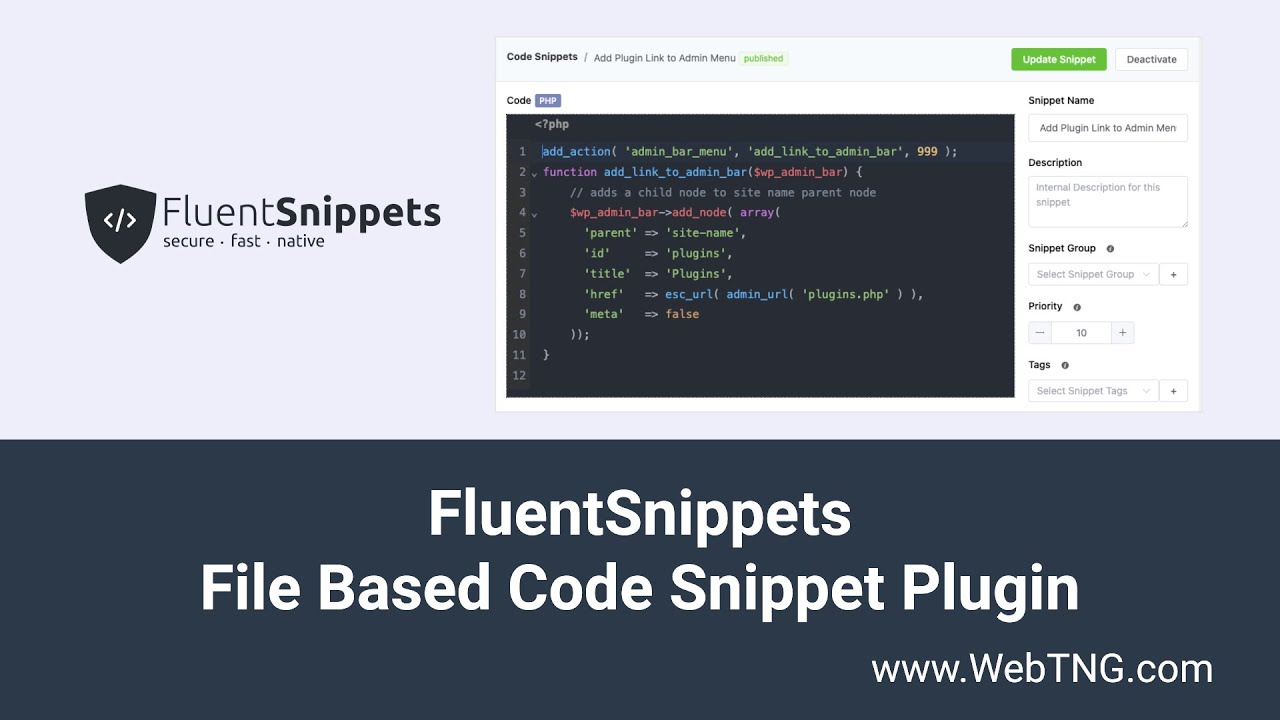
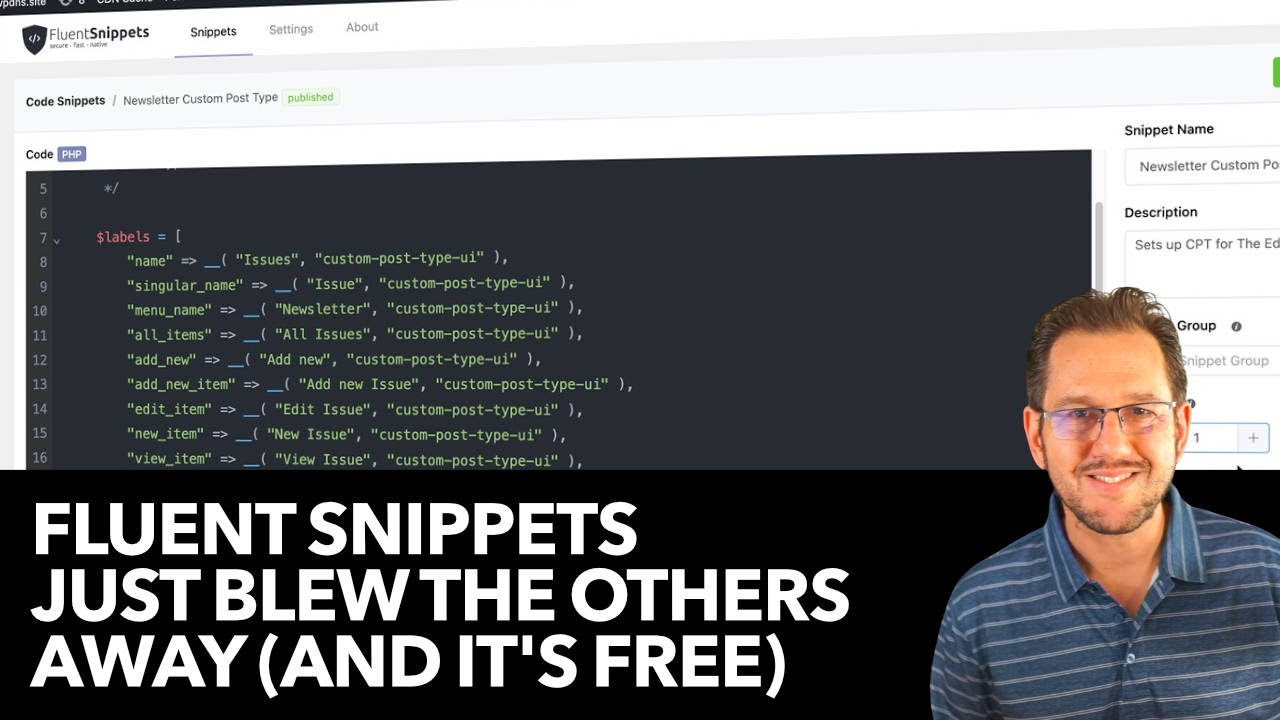
Independent walkthroughs from people who took the plugin apart on camera.
Questions, answered.
What makes FluentSnippets different from other snippet plugins?
Most snippet plugins store your code in database tables and run SQL on every request, which is slower and puts your code somewhere other plugins can reach. FluentSnippets stores each snippet as a flat PHP file and loads it natively, with zero database queries at runtime.
Do I need to know how to code?
No. Add a CSS tweak, drop a tracking script into the header, or paste a PHP snippet you found, all without editing your theme files. The editor has syntax highlighting, and the plugin checks your PHP before it saves.
Will it slow down my site?
It should not. There are no database reads for your snippets, and the file headers are parsed once and cached into an index. On each request the plugin includes the files it needs, the same way WordPress loads a plugin.
What happens if a snippet has a fatal error?
FluentSnippets deactivates that snippet automatically and leaves the rest of the site alone. If you are ever locked out anyway, Safe Mode turns every snippet off: visit the secret Safe Mode URL from your settings page, or add define('FLUENT_SNIPPETS_SAFE_MODE', true); to wp-config.php. See the Safe Mode docs.
What happens to my snippets if I deactivate the plugin?
With standalone mode enabled, your snippets keep running through a WordPress mu-plugin even after you delete FluentSnippets. Reactivate it any time to manage them again. See standalone mode.
Where are the snippet files stored?
In wp-content/fluent-snippet-storage/ by default, alongside a generated index.php that holds the parsed headers. You can point the storage somewhere else, such as inside uploads, with the FLUENT_SNIPPETS_STORAGE_DIR constant. More in how it works.
Can I reuse the same snippets across multiple client sites?
Yes. Each snippet is a self-contained PHP file with a readable header, so you can keep a vetted library and copy the files between sites, or export and import them in bulk as JSON. Imported snippets arrive as drafts so you can review before publishing.
Does it work with Git and a staging to production workflow?
It fits right in. Snippets live as real files under wp-content, so you can commit them to your repo, review changes in pull requests, and deploy them alongside your theme. No database sync required.
There is no Pro tier. There is just the plugin.
Every feature is unlocked, on every site, forever. No premium upsell, no per-site license, no renewal to forget about.
- ✓ All four snippet types: Functions, Content, Styles, Scripts
- ✓ Advanced conditional logic, groups and tags
- ✓ Standalone mode, Safe Mode and automatic error handling
- ✓ Import, export, and every future update
- ✕ Advanced features usually sit behind a paid tier
- ✕ Cloud libraries and priority support cost extra
- ✕ Licensed per site, billed per year
- ✕ Snippets stored in your database
Competitor names and prices are approximate and change often, so check each plugin for its current rates. FluentSnippets is, and always has been, free.
Run custom code the fast, safe way.
Join 50,000+ WordPress sites running custom code without the database overhead. Free, open source, and yours to keep.
Free forever · GPL · no account required